HARBOR + SCAD Week6
AOVs, compositing and color management.
HARBOR
2/14/20256 min read
Update 4
Shot 2 - Our NEW HERO!
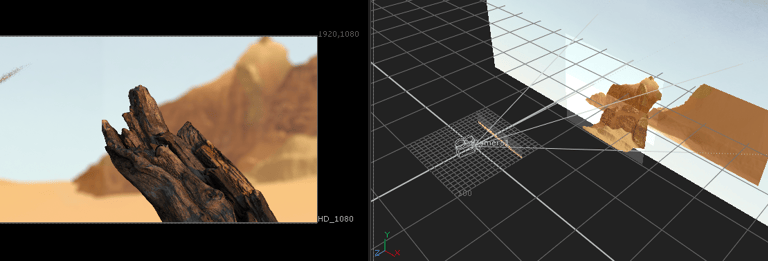
Since we made the decision to switch our hero shots, all of our efforts have been completely focused on improving this shot. With the shift in direction, I decided to work on the projection of the matte painting elements to ensure they embrace and enhance the Z-depth of the scene, and makw sure the mountains fit better within the background of the shot. To do this, I worked closely with an FBX file and color-corrected all the elements to match the color scheme from last week that the mentors really liked.
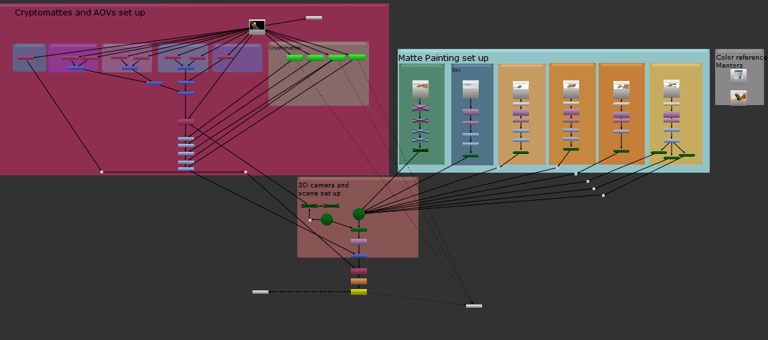
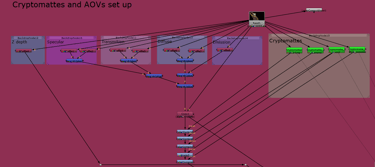
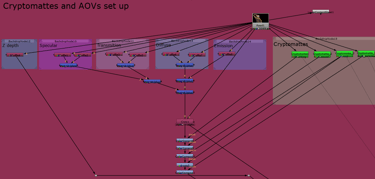
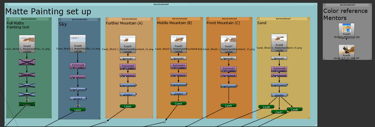
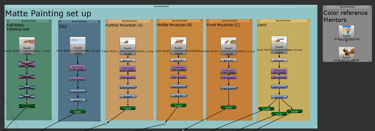
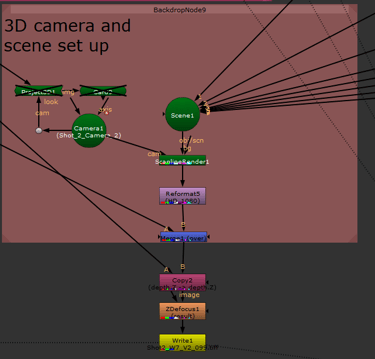
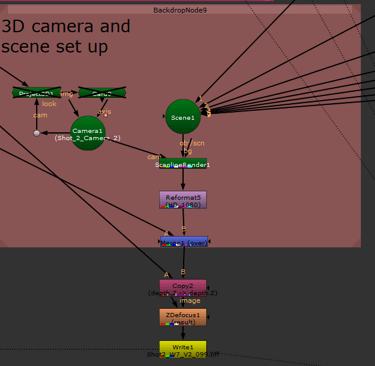
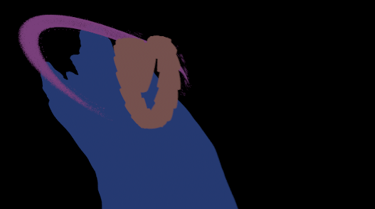
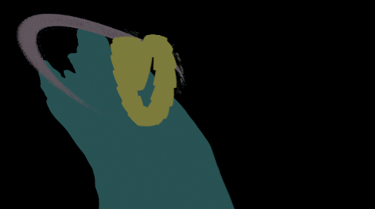
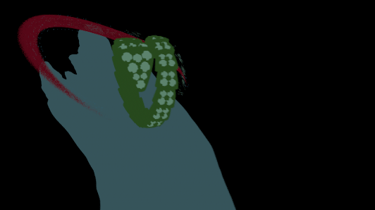
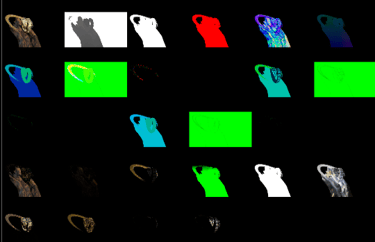
In addition to this, I spent a considerable amount of time refining my Nuke script. I made sure to incorporate AOVs, cryptomattes, and all the necessary elements to support the 3D scene, ensuring that everything aligned seamlessly. One of the more interesting challenges I faced was integrating the branch into the scene. I initially experimented with two different techniques—first, using a basic merge-over approach, and second, projecting the branch directly into the camera. After testing both methods, I ultimately decided to stick with the merge. It turns out, sometimes the simpler approach works best and delivers the cleanest result.
For this nuke script I also organized it by sections that are labeled with backdrops and are understandable for everyone in my team, because I know the importance of having organized nuke scripts when you are working as a team.
Overall, it’s been a combination of careful adjustments to bring all the elements together, from the background to the finer details like the branch, while making sure everything stays true to the feedback we received from the mentors. I’m happy with the progress, and the shot is coming together nicely.
We also had some grain problems that I described before into this shot, so if you want to look at that you can go to my previous post from this week. For next week the idea is to incorporate the AOVs color corrections.
Full nuke script
Nuke scripts closeups
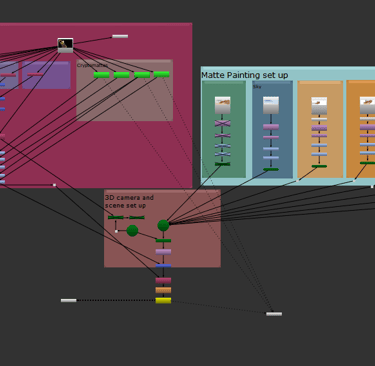
Passes of the matte paiting projection
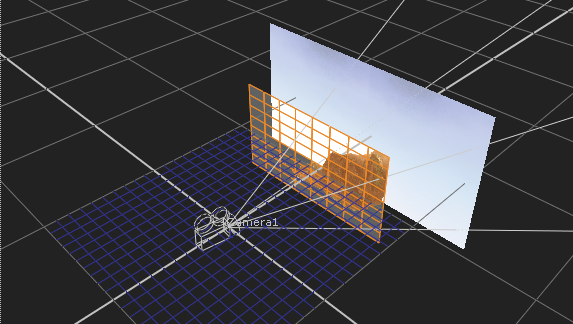
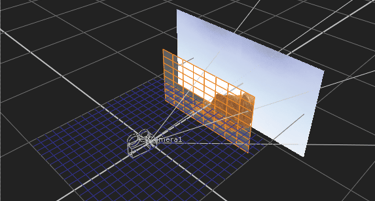
First pass of the matte paiting projection
Cryptomattes and AOVs
Update 3
Shot 3 - Testing and team work are always the answer
In shot 3, we teamed up with Yilin to tweak the color because our mentors pointed out it was too green. We tried out different color options in Houdini and played around with color correction until we found just the right look for our final presentation. This whole process really highlighted how important teamwork is. Everyone brought their own skills, which helped us improve and move forward together. Sitting next to each other made it easy for us to share ideas and make adjustments in real-time, leading us to the result we wanted. Overall, it was a great experience that showed how collaborating can really enhance our work and help us grow as a team.
Also we where having some problems as a team with the Cryptomattes, but along with Yilin, we trouble shooted if it was a Houdini or Nuke problem. In the end, Yilin found the problem on Houdini arnold and we were able to implement this technique for this weeks renders.
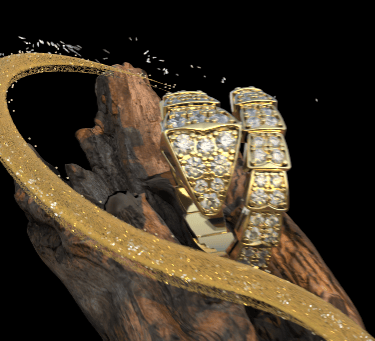
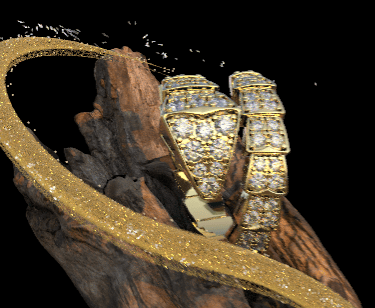
For this shot I worked with the cryptomattes, I separated the matte painting by rotoscoping the mountains, and color correcting differently each element, so we will have a better match between shot 2 and shot 3. I also set up the nuke script so it will work and be more efficient once more AOVs will come. We had a problem with shot 2 and 3 of sampling, because it was too low and some of the AOVs became a little grainy, so we will have to fix them and incoporporate fully all AOVs for next week. (you can see the grain mostly in the particles and in the head of the snake if you compare the two pictures)
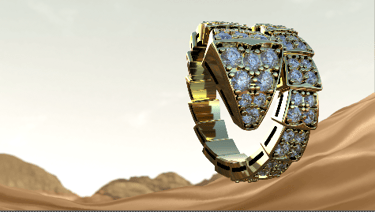
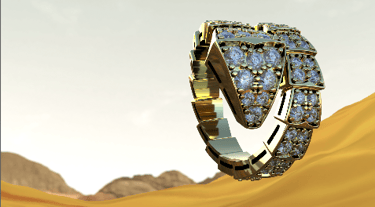
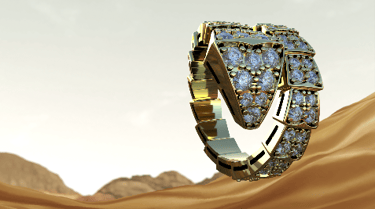
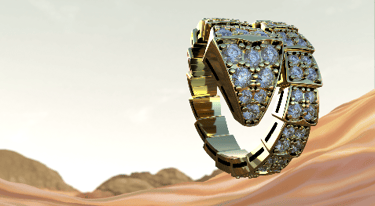
Sand color tests
Grain issue
Update 2
Shot 1 - delegating - Rendering - How to improve my work?
As a compositor and VFX artist one of the most important abilities we should have is the ability to delegate. Working with others and trusting them with things that are important to you are essential when having a team, as well as it is helping each other out. Since the workflow from our team has become more heavy in compositing, Zane along with the professors, suggested that he should take care of the 2.5D projection. Because this will allow him also as a lighter to have more control of the room and how the lights behave with the elements.
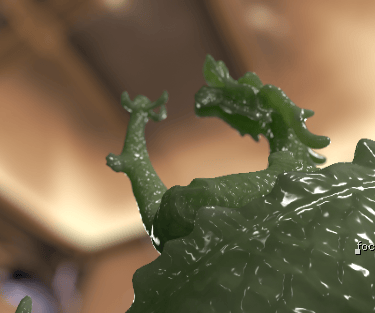
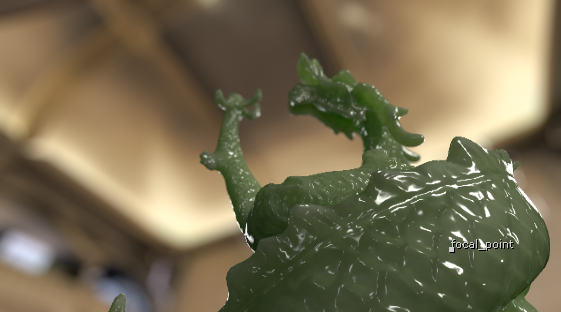
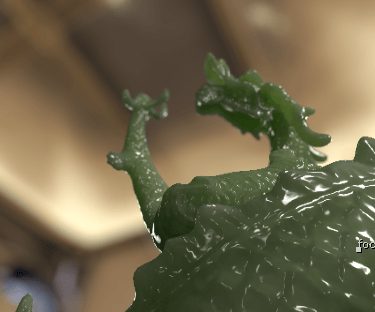
For this shot we also worked with developing the cryptomattes and the AOVs which were essential for the material change from jade to gold. Which was achieved, but one of the things we are struggluing with is the lighting, since both of the materials are different. For that we decided we were going to try to render some lighting AOVs to see if we can enhance each of the textures by animating the lights in compositing. This are the new AOVs we are going to have for next week. Sadly we could not incoportate the new AOVs in the render for this week, and we almost did not finish, shout out to the team speacially Soi and Zane because they where able to render dispite all of the difficulties. This AOVs where necessary for the light and jade texture, so the recontruction of the elements of the material did not work properly, so for this week I only was able to color correct with Cryptomattes.
While we are discussing this shot one of the elements that I am struggluing a little bit with is matching the color and vibe of the 2.5 D projection to the rest of the advertisment and making it look High Fashion as it is supposed to look like, I don't know how to embrace that space so it makes the effect and shadders look really good. I am still not happy with the color of this shot and I will keep working on it.
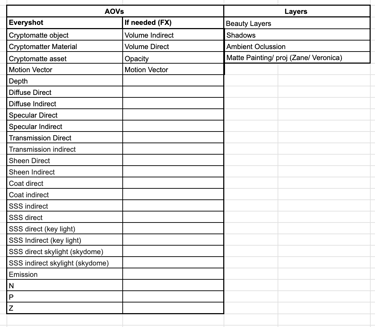
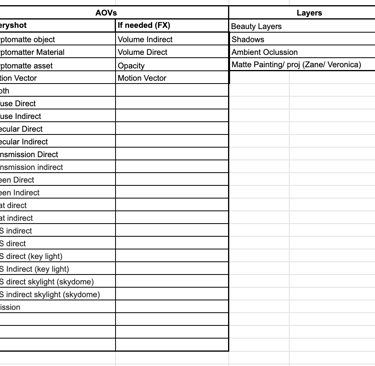
New AOVs list - for shot 1
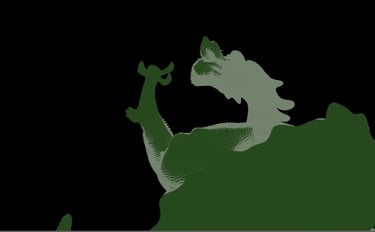
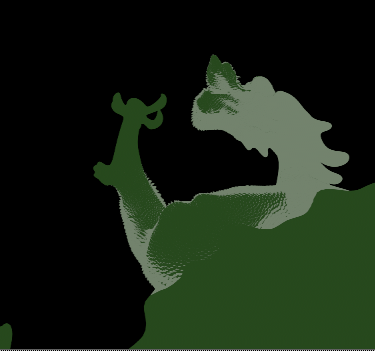
Material Cryptomattes
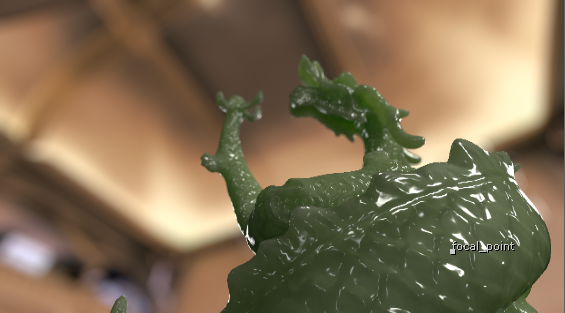
Tests for 2.5 projection color
Update 1
Mentor's feedback
During this week's meeting we had advanced a lot with the advertisment and the abstract space is coming together every week. Shot 1 for the museum we need to get more work done. This is the feedback from the mentors and things we hope to acomplish this week.
Shot 1:
Strange bit in fx - both fx should have better timing.
Hitch in camera - Smoth it
Skip the rack focus
Shot 2:
2-1 a bit of movement at the start - maybe make it subtle
2-2 Smooth out the camera
Shoot the matte painting with the same camera you are working on
The color for this shots is better
Shot 3:
Reflection on ring is good, make sure to light the diamonds (key and rim lights)
Color on the last shot is too green, make the particles warm to make this more balanced
Sky is flat
Check the black spots on the ring - Check in nuke and maya to see of there is more geo.
VFX compositor
Showcase of my VFX art and projects.
© 2025. All rights reserved.